Picked for You
Personal rows like Because you watched and Top 10 picks, and one search for movies, series, people and collections.
Because everything's better when shared.
Discover movies and series, connect with friends, send messages, and host watch parties. Enjoy entertainment together with no subscriptions and no ads, now available for Android, Android TV, Google TV, and Windows.
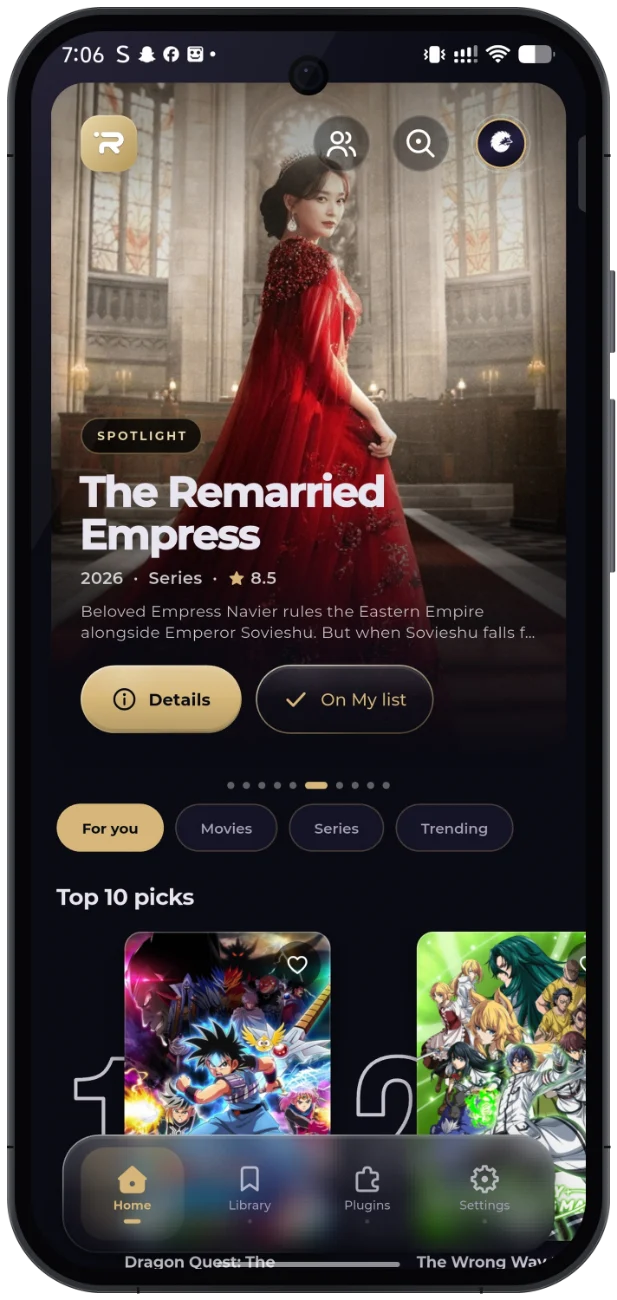
App showcase
A beautiful interface that keeps discovery simple and your experience personal.
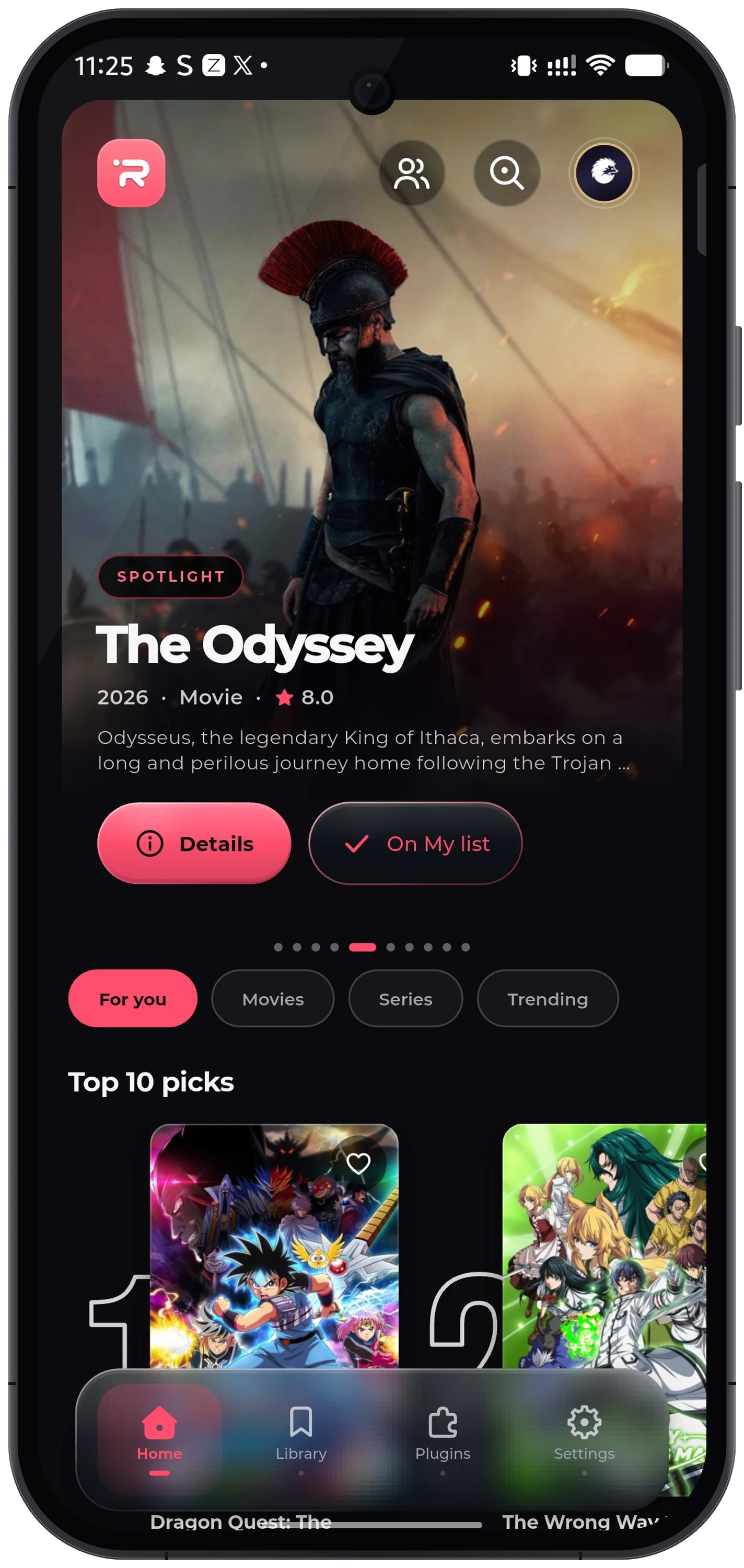
Platforms
The same library, plugins and settings, with an interface suited to each device.
Android TV & Google TV
One APK covers your phone, Android TV and Google TV. On a TV, Reelish switches to a layout built for the living room, so you can browse, pick a title, and press play from the couch.
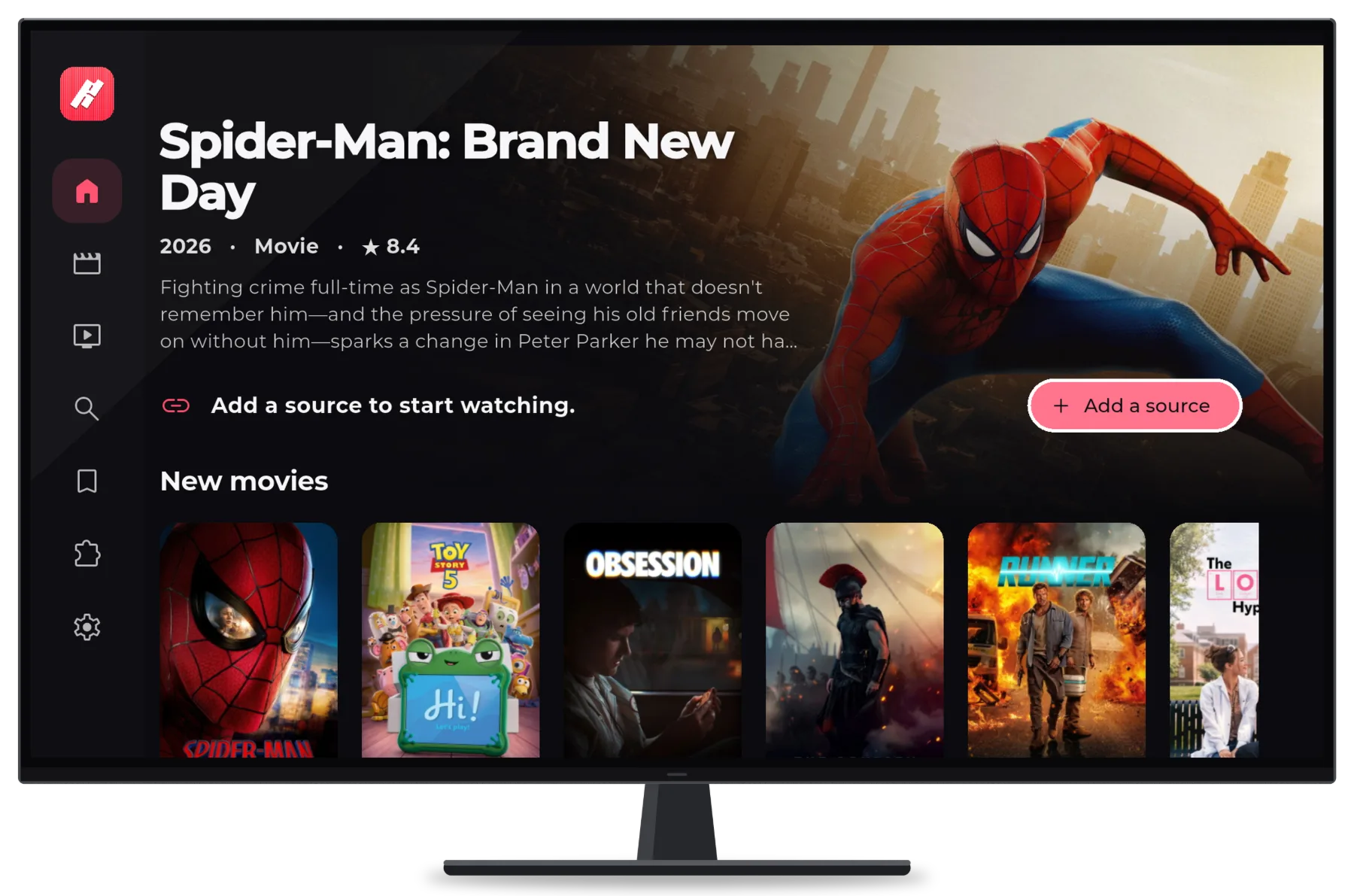
Windows
Enjoy Reelish on your desktop with an experience adapted for larger screens.
Windows 10 or 11, 64-bit. Run Reelish-Setup-x64.exe: it installs Reelish for your account, without administrator rights, and adds it to the Start menu. Reelish then updates itself from inside the app. The installer isn’t code-signed yet, so SmartScreen may ask you to confirm the first time (More info, then Run anyway). If Windows reports a missing MSVCP140.dll, install the Microsoft Visual C++ Redistributable (x64).
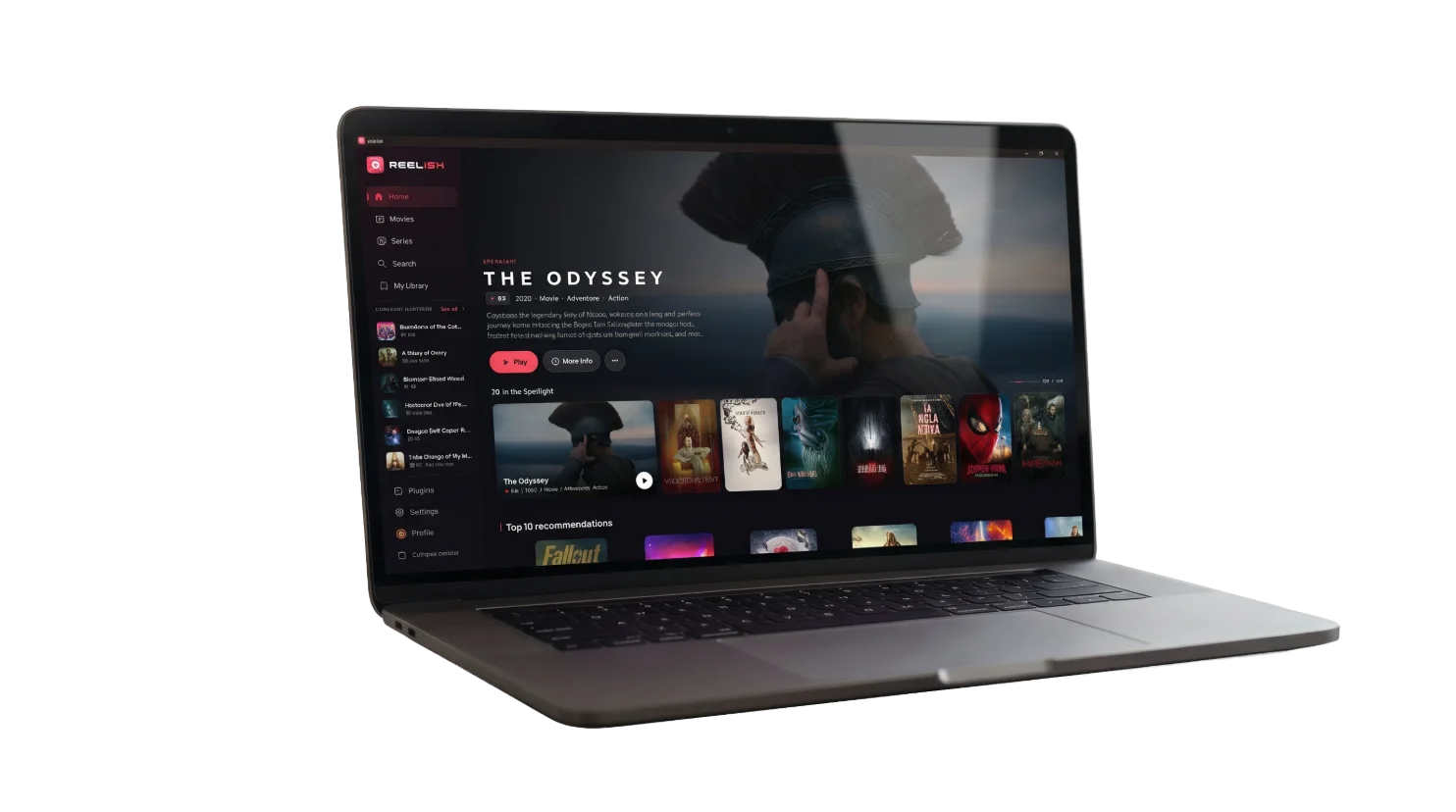
How it works
Get the Android APK or the Windows app from the official GitHub releases.
Sign in with your free Trakt account, then add the compatible third-party plugins you want to use.
Discover titles and access sources made available through your configured providers.
Features
Personal rows like Because you watched and Top 10 picks, and one search for movies, series, people and collections.
Watch Party plays in sync for up to five people, with reactions and chat. Add friends to share titles and messages.
Stop on your phone and pick up on your TV or PC. Progress and collections follow your account.
Intros skip themselves, audio tracks are named by language, and subtitles look the way you like.
Connect compatible providers, and review every plugin update before it runs.
Themes, accent colors, your own collections, and a Reelish Wrapped recap of your year.

Playback
Fine-tune playback, subtitles, and viewing preferences through an interface built around simplicity.
Reviews
Reviews from people who use Reelish. Each one is read before it’s published.
No reviews have been published yet. Be the first to share yours below.
Tell others what you think of Reelish. Reviews appear here after approval, with the display name you choose. Please don’t include personal information or links.
Latest release
Reelish is continuously updated with new features, improvements, and fixes.
Release information is not currently available.
View all releases on GitHubDiscover a new way to explore your favorite entertainment.